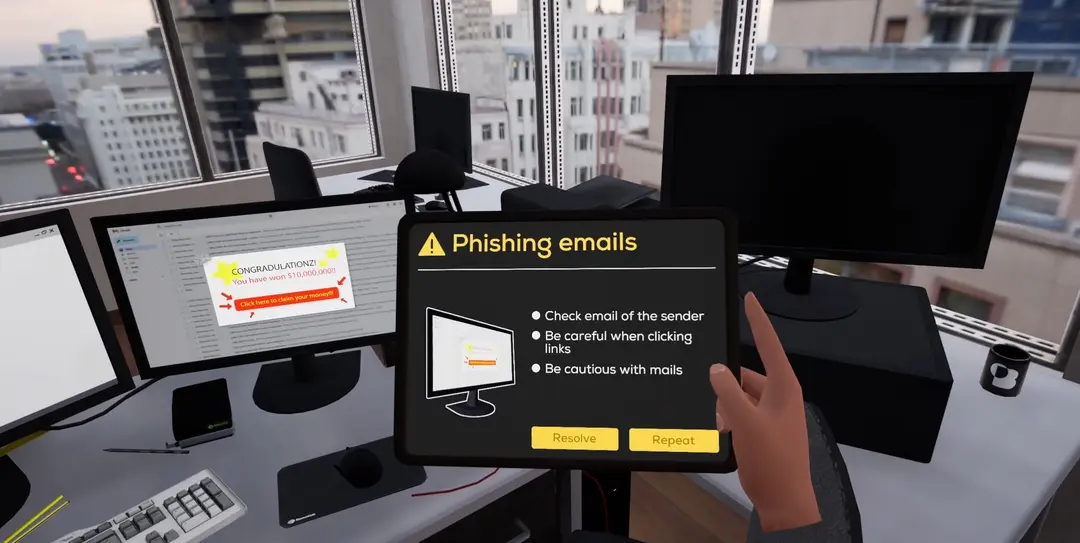
Phishing tests measure one click. VR awareness training puts employees in the office situations where security goes wrong and lets them practise.
Most security awareness programmes consist of two things: an e-learning module once a year and simulated phishing emails in between. Both are useful. Both are also narrow.
This post looks at what those two methods miss, and what changes when awareness training happens in a virtual office instead of a browser tab.
What the usual programme misses
E-learning tests reading, not behaviour. A slide explains what a phishing email looks like, a quiz asks the employee to pick the suspicious one out of four, and the certificate is issued. The employee was told in advance that one of the four was fake. In a real inbox nobody tells them.
Phishing simulations measure one behaviour in one channel. They are valuable because they happen in the real inbox, unannounced. But a click rate says nothing about what the same person does with an unknown USB stick, an open Wi-Fi network or a computer that a colleague left unlocked.
Neither one lets people practise the right response. Knowing that you should report an incident is different from having done it once.
A large part of security behaviour is situational and physical. It happens at a desk, in a meeting room or on a train, and it is hard to reach with a quiz.
What a VR session looks like
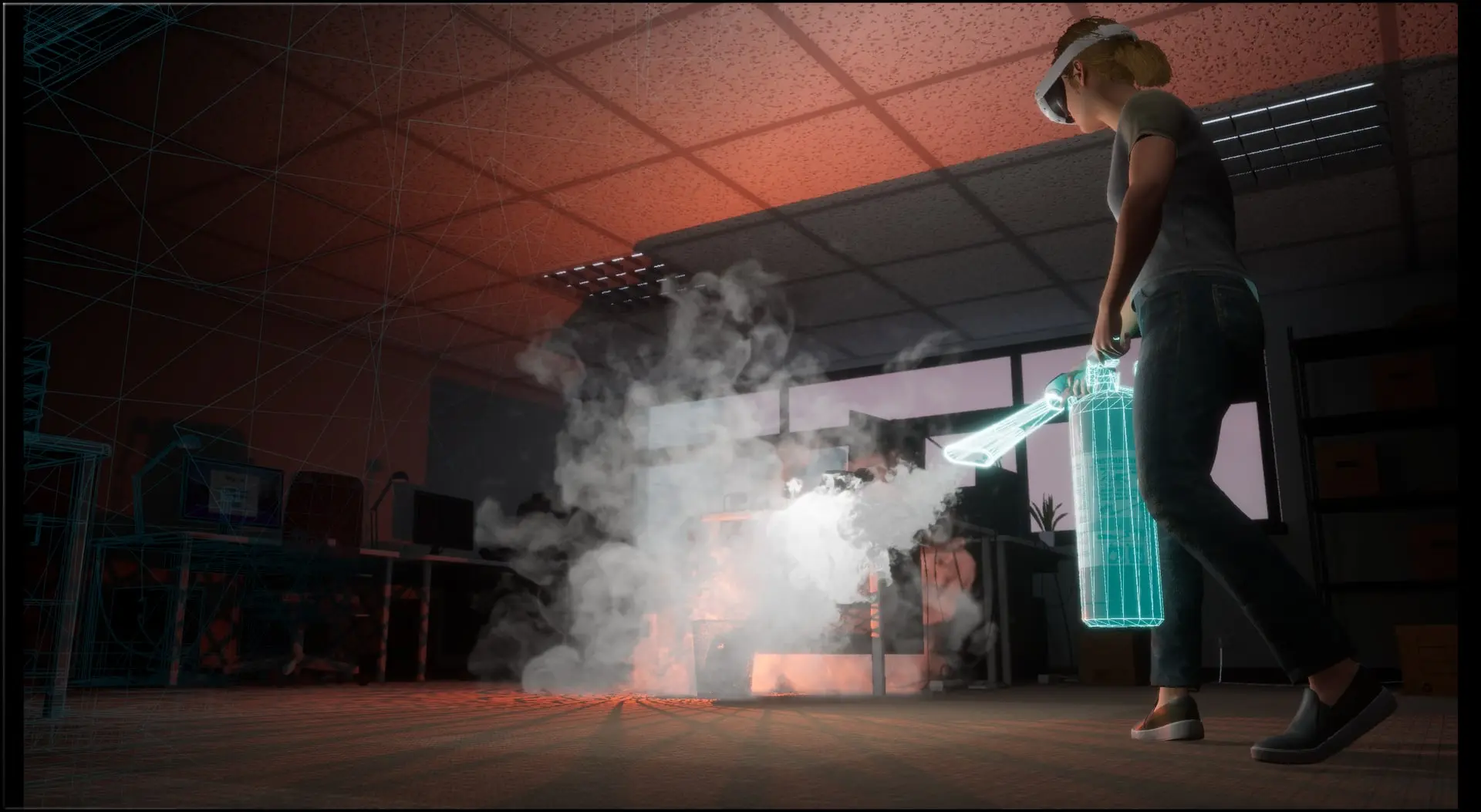
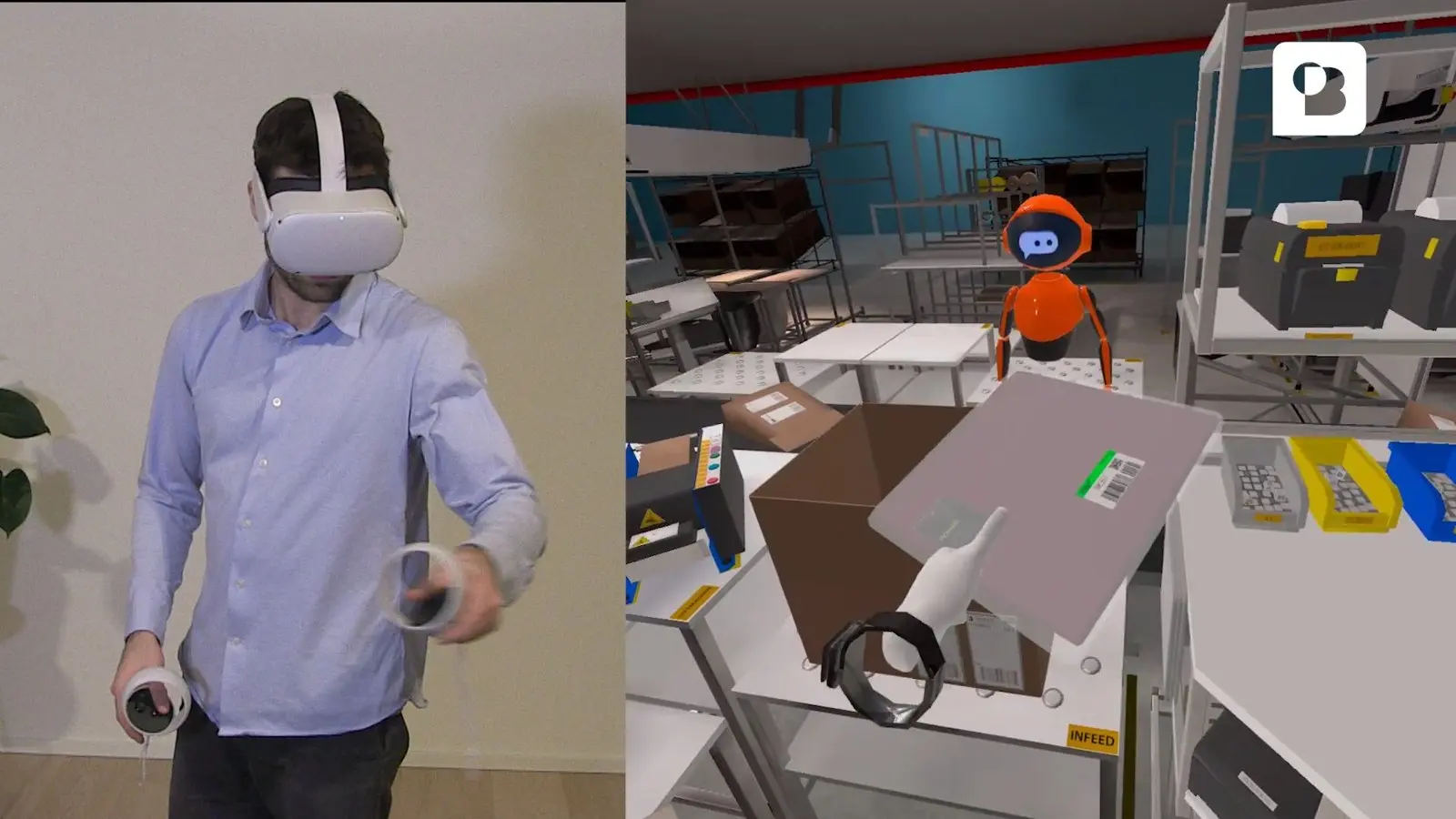
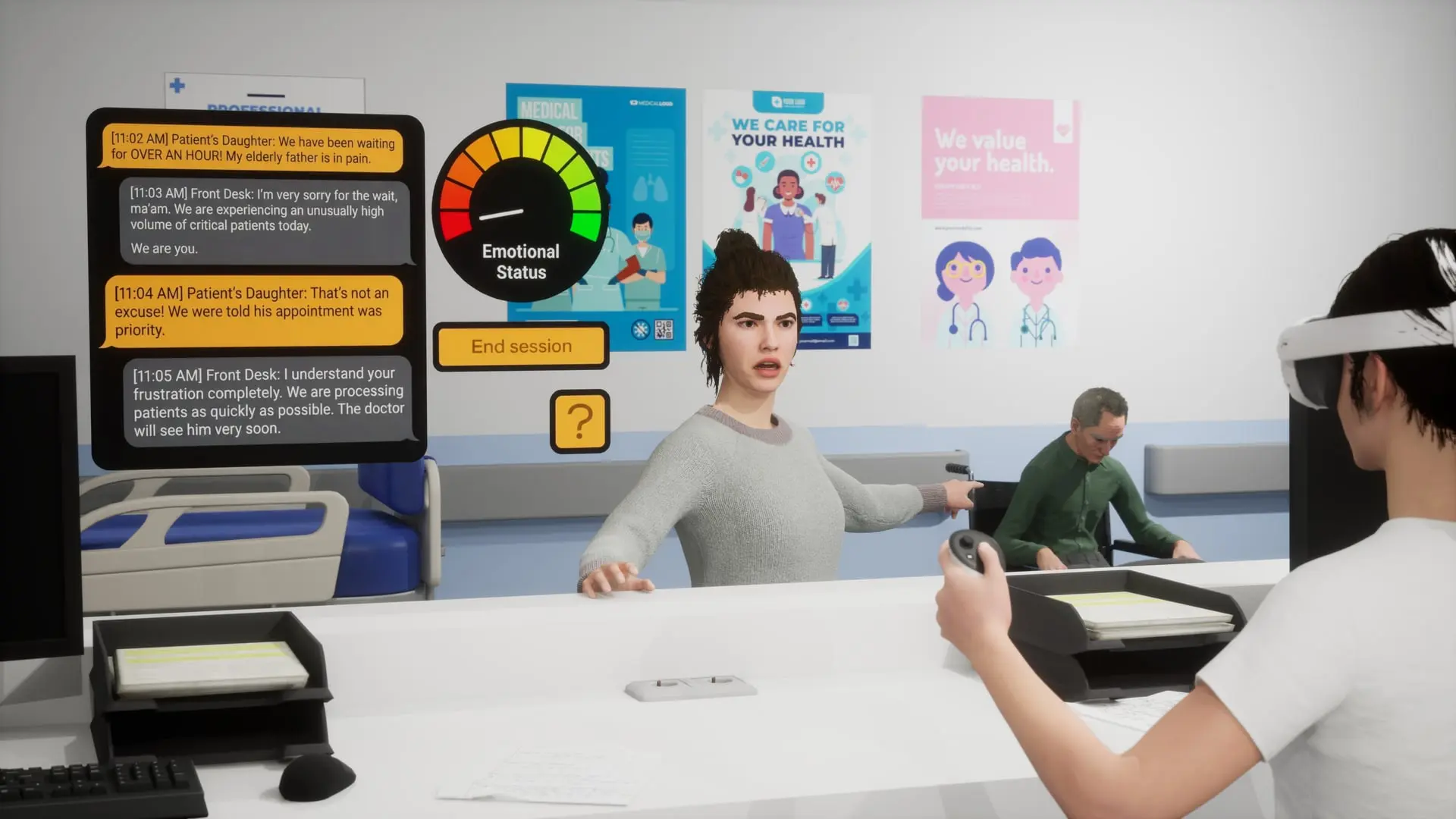
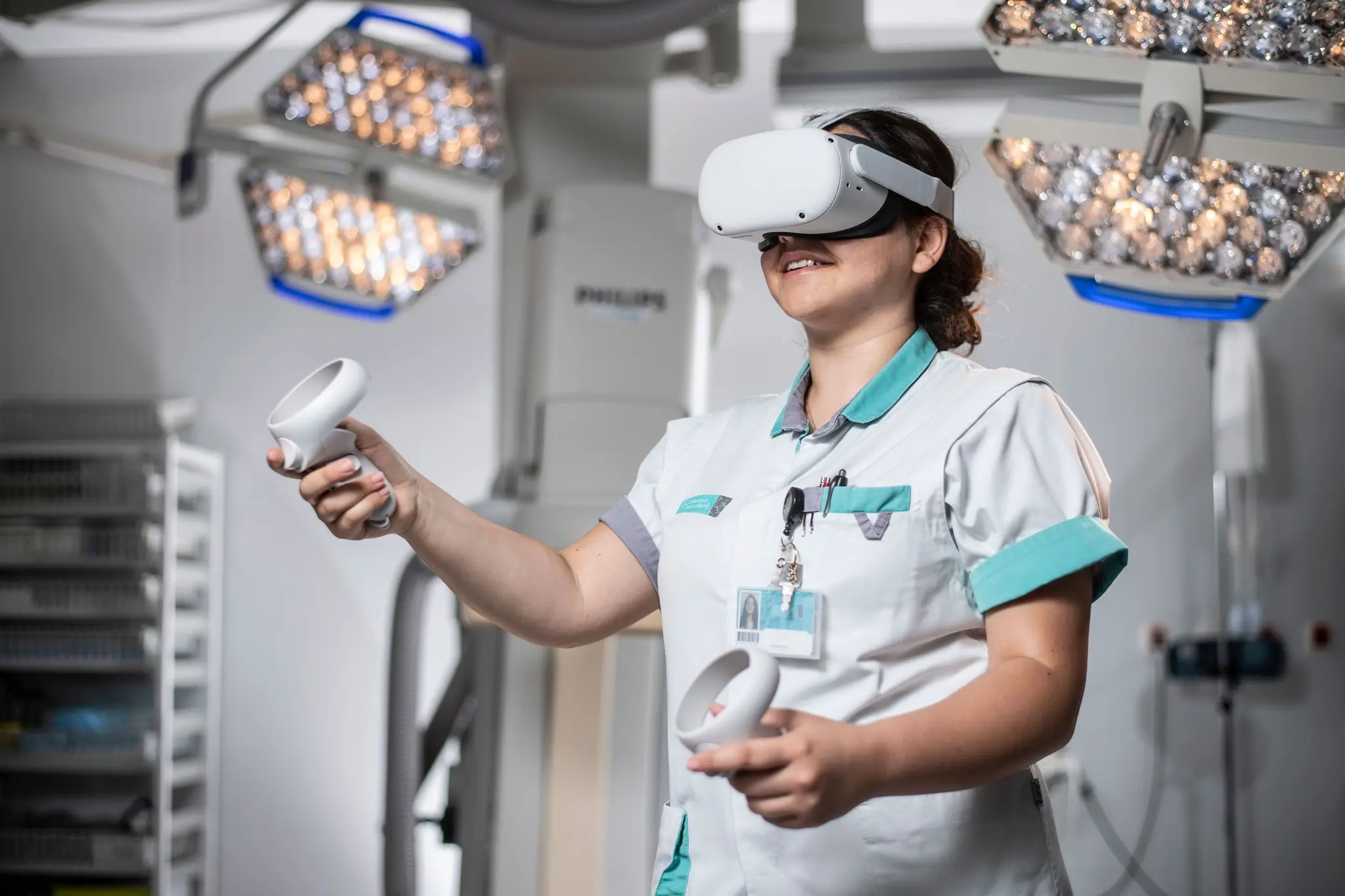
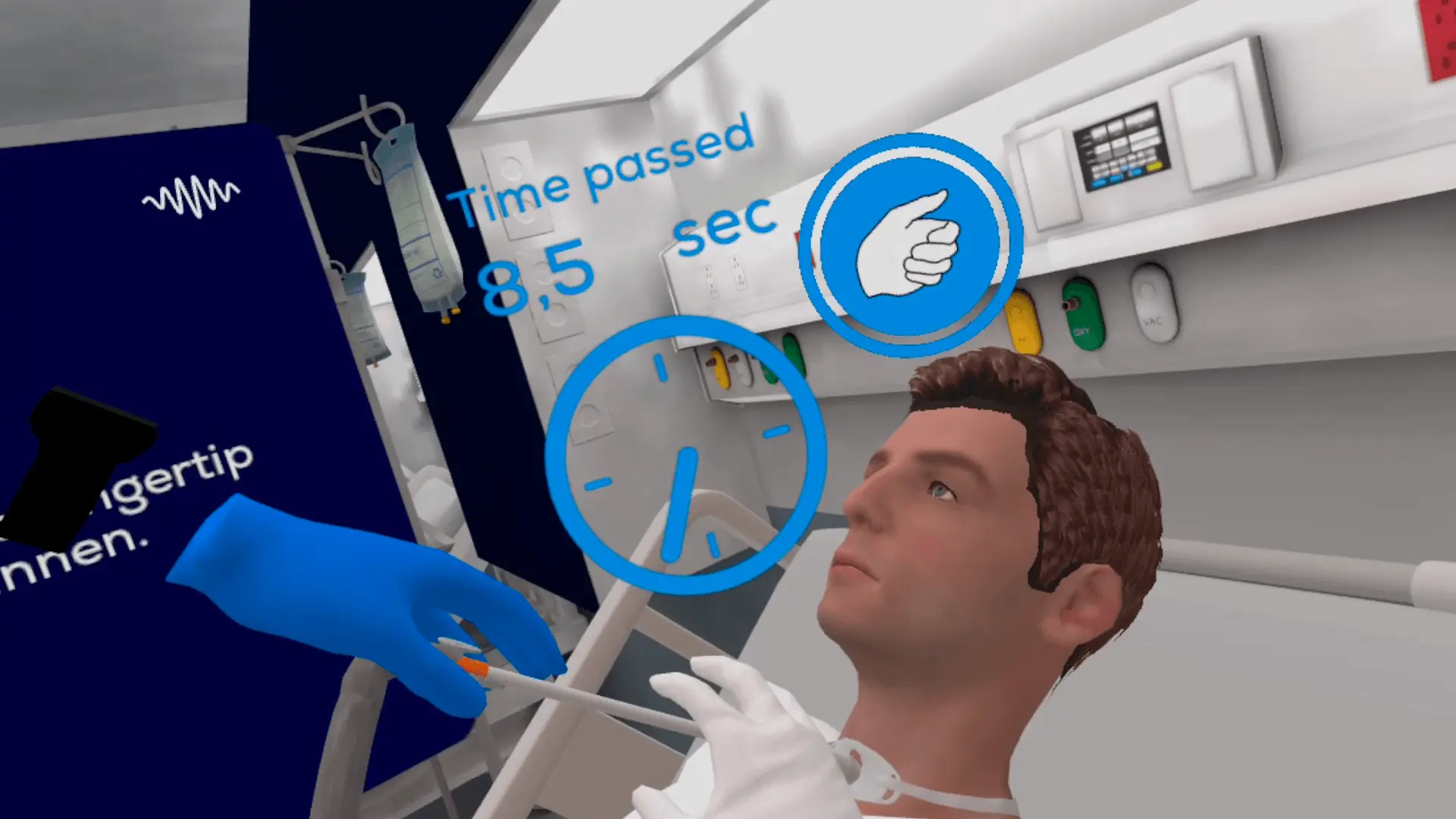
In our VR cybersecurity awareness training, the employee puts on a headset and is in a virtual workplace. Threats appear the way they would on a normal working day: a phishing email, an unknown USB stick, an open network, an insider threat.
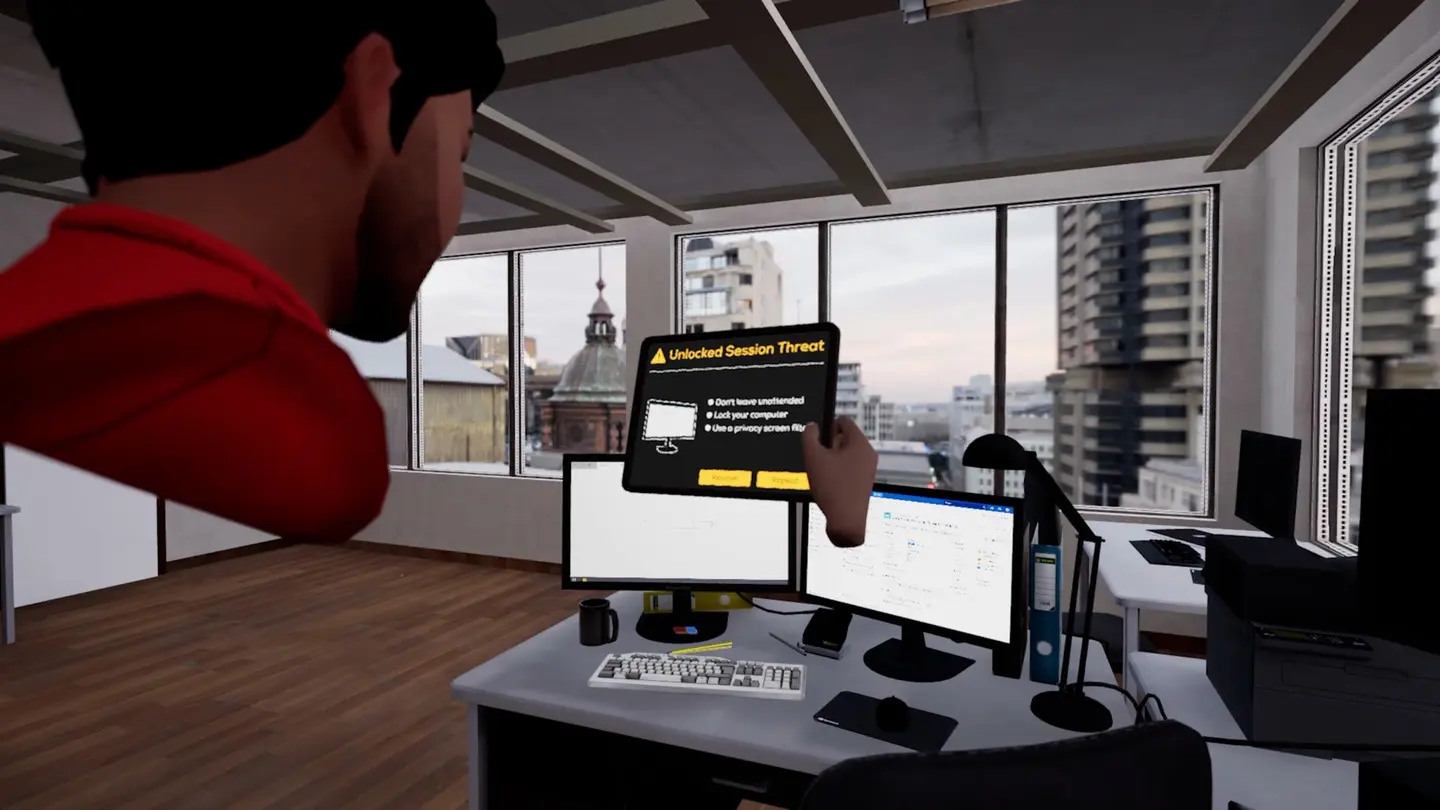
The trainee decides what to do. Along the way they practise:
- device and network safety
- recognising phishing attacks
- password and access management
- incident response
A session takes 10 to 20 minutes and ends with an exam level. Performance tracking records the result, so you know who passed and who should repeat it.
Why doing it is different from reading about it
Three things happen in a headset that do not happen in a quiz.
The employee has to notice the threat. Threats appear as they would on a normal working day, in between other things, and not as four options on a slide.
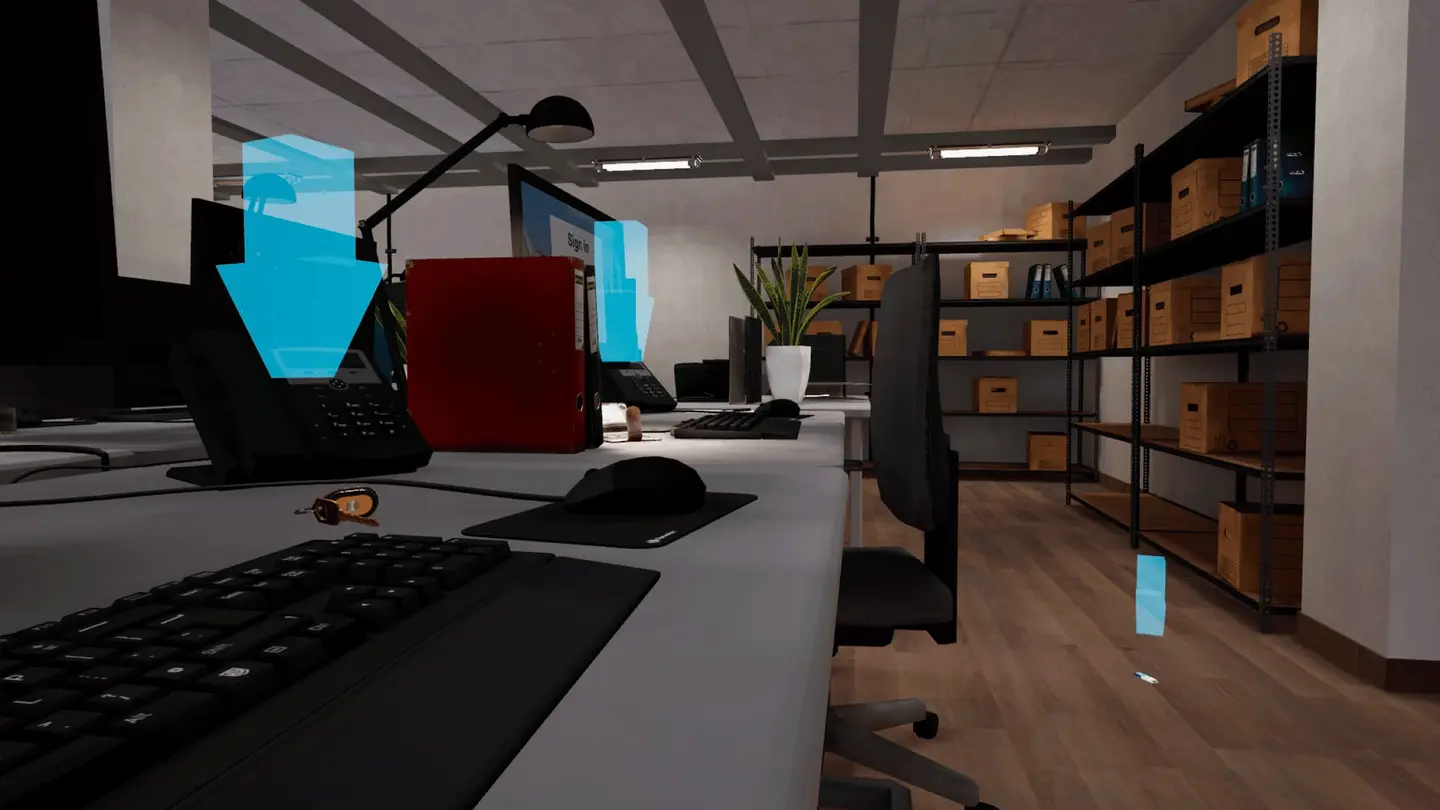
The decision is made in context. The trainee chooses what to do while standing in the situation, with the email, the device or the network in front of them.
They practise the response. Responding to an incident is rehearsed in the scene, which is closer to what they will have to do at work than selecting an answer.
A word on evidence. An academic study of our first aid module, published at Mensch und Computer 2025, found gains in self-efficacy, knowledge retention and transfer to practice from training in VR. We do not have an equivalent study for the cybersecurity module, so treat the comparison as an indication and measure your own results. The exam level makes that straightforward.
Combine it with phishing simulations
VR does not replace phishing simulations. The two do different jobs:
| Phishing simulation | VR session | |
|---|---|---|
| Where | The real inbox | A virtual workplace |
| When | Unannounced, all year | A scheduled 10 to 20 minutes |
| What it does | Measures behaviour | Lets people practise the response |
| Covers | Email, devices, networks, access, incidents |
A workable programme uses both. New starters do the VR session in their first weeks. Everyone repeats it once a year. Phishing simulations run in between, and the results tell you which teams should get an extra session.
Who it is for
The training is meant for any employee who uses email, devices or company networks. That includes office staff, and also teams who work with connected devices in manufacturing or utilities, who are often left out of awareness programmes built around a desk job.
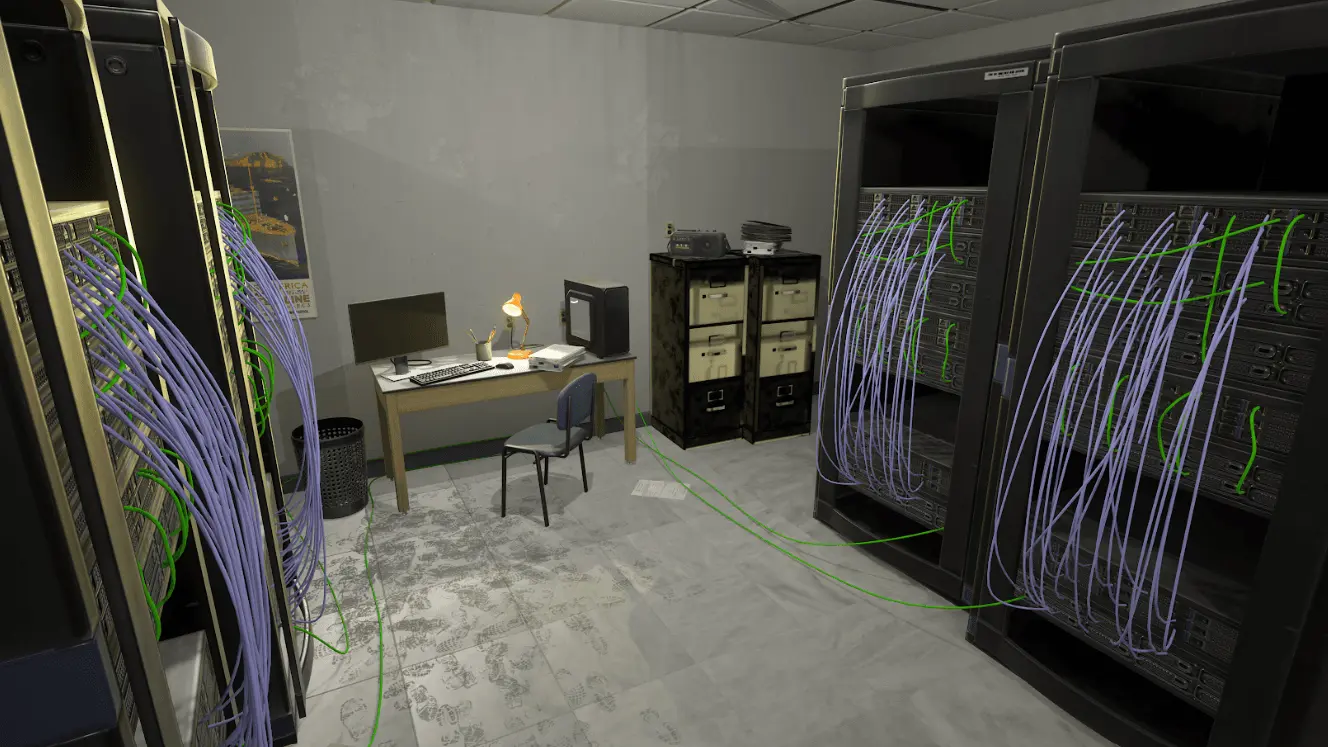
Not everyone can or wants to wear a headset. The training also runs on tablet and PC, so nobody has to be excluded.
Where NIS2 comes in
The NIS2 directive lists basic cyber hygiene practices and cybersecurity training among the risk-management measures that organisations in scope must take (Article 21). It also requires members of management bodies to follow training, and encourages organisations to offer similar training to employees on a regular basis (Article 20).
VR training does not make an organisation compliant. It is one way to deliver awareness training and to show that it happened: the exam level and the performance tracking give you a record per person. How the directive applies to you depends on your sector and on how your country has transposed it, so check that with your legal or compliance team.
Practical points
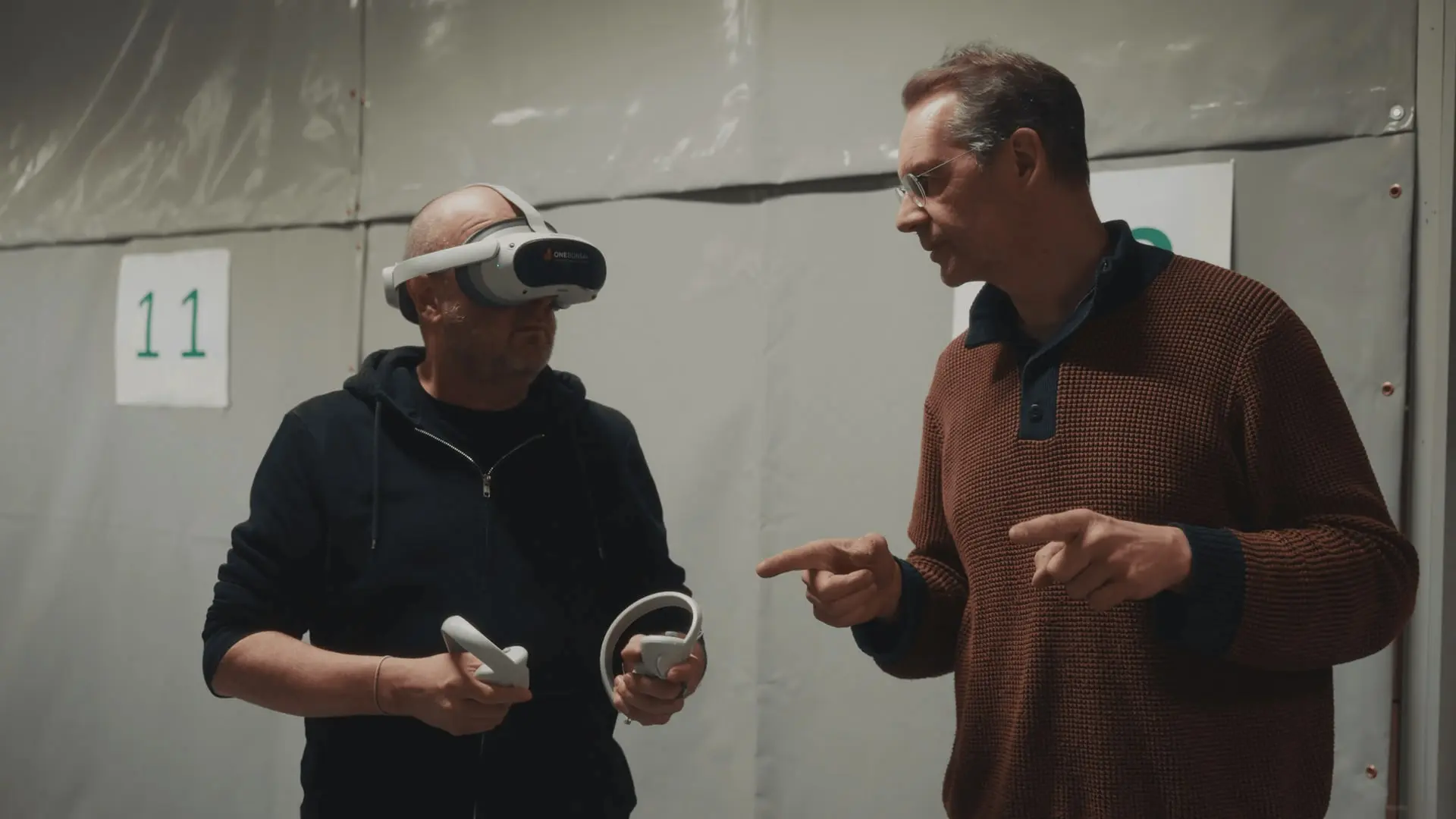
- Hardware. One headset per person training at the same time, and about 2 × 2 metres of space each.
- Price. The module is sold as a subscription per headset, monthly or yearly. The current price is on the plans and pricing page.
- Your own setting. The scenarios can be adapted to your worksite.
- Try it first. There is a free demo.
If awareness in your organisation currently means a yearly quiz, the simplest test is to put ten people through one session and compare what they do in the next phishing simulation. You can request a demo on the module page.